Pass your next state inspection with the binder already filled.
The all-in-one platform for RCFEs and 6-bed board-and-care homes. Inspection-ready MAR charting, AI fax routing, automatic California LIC forms, and caregiver tools — without hand-writing a single dose into the binder.
A normal Tuesday in a small home
Three moments every operator knows.
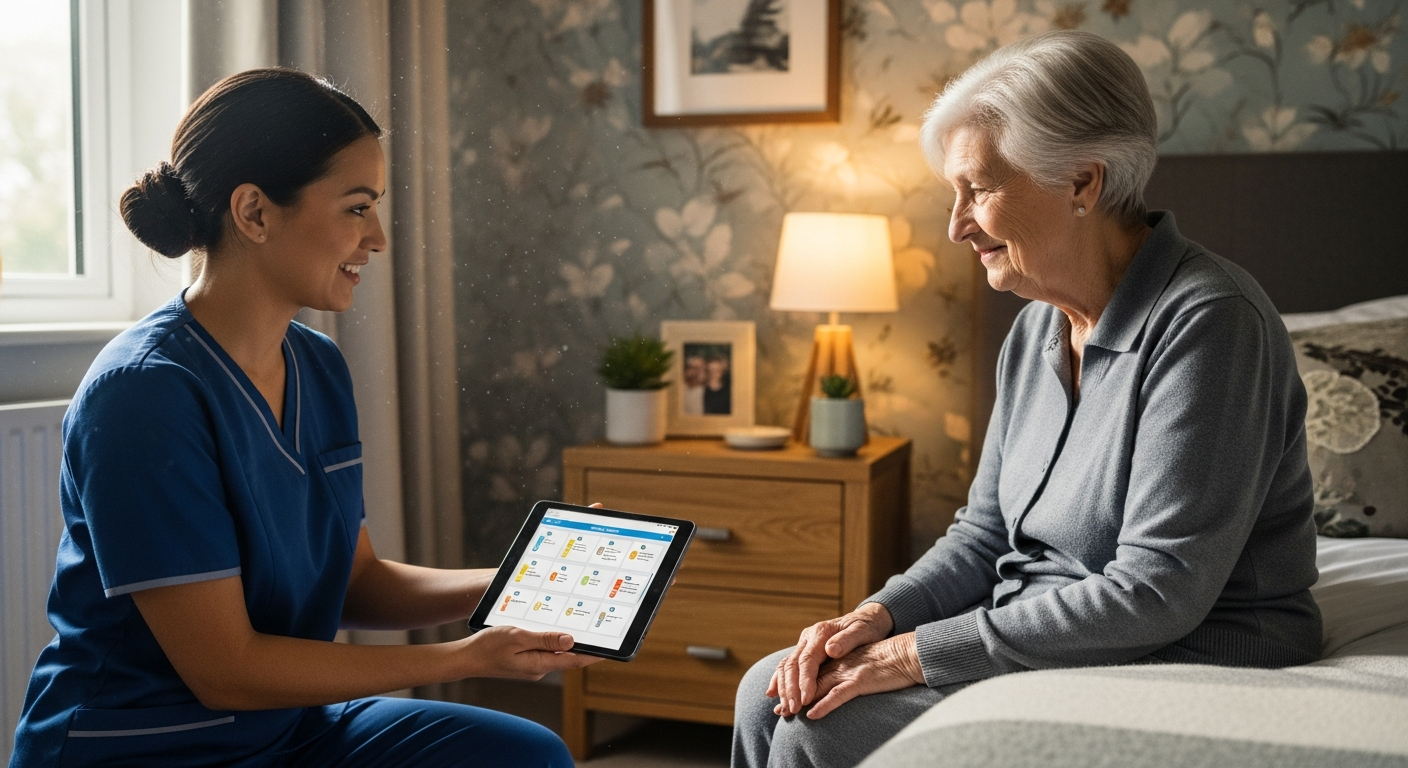
Chart a dose with a tap.
Morning routines are hectic enough without deciphering handwritten instructions in the MAR. With the new Click-to-Give MAR, caregivers chart medications by tapping cells on a familiar digital grid.
Plus, staff-approved family updates let your team review and send a quick weekly digest of care notes to loved ones — no uncoordinated auto-emails.
- Click-to-Give MAR charting
- Curated family updates
No more manual data entry.
A new resident arrives with a stack of LIC forms — the official California licensing paperwork like the LIC 602A appraisal. Instead of typing it all out, the AI Form Scanner instantly detects and extracts fields directly from the admission PDFs. Everything is securely stored where it belongs.
- AI Form Scanner for LIC paperwork
- Auto-filed under each licensing binder slot
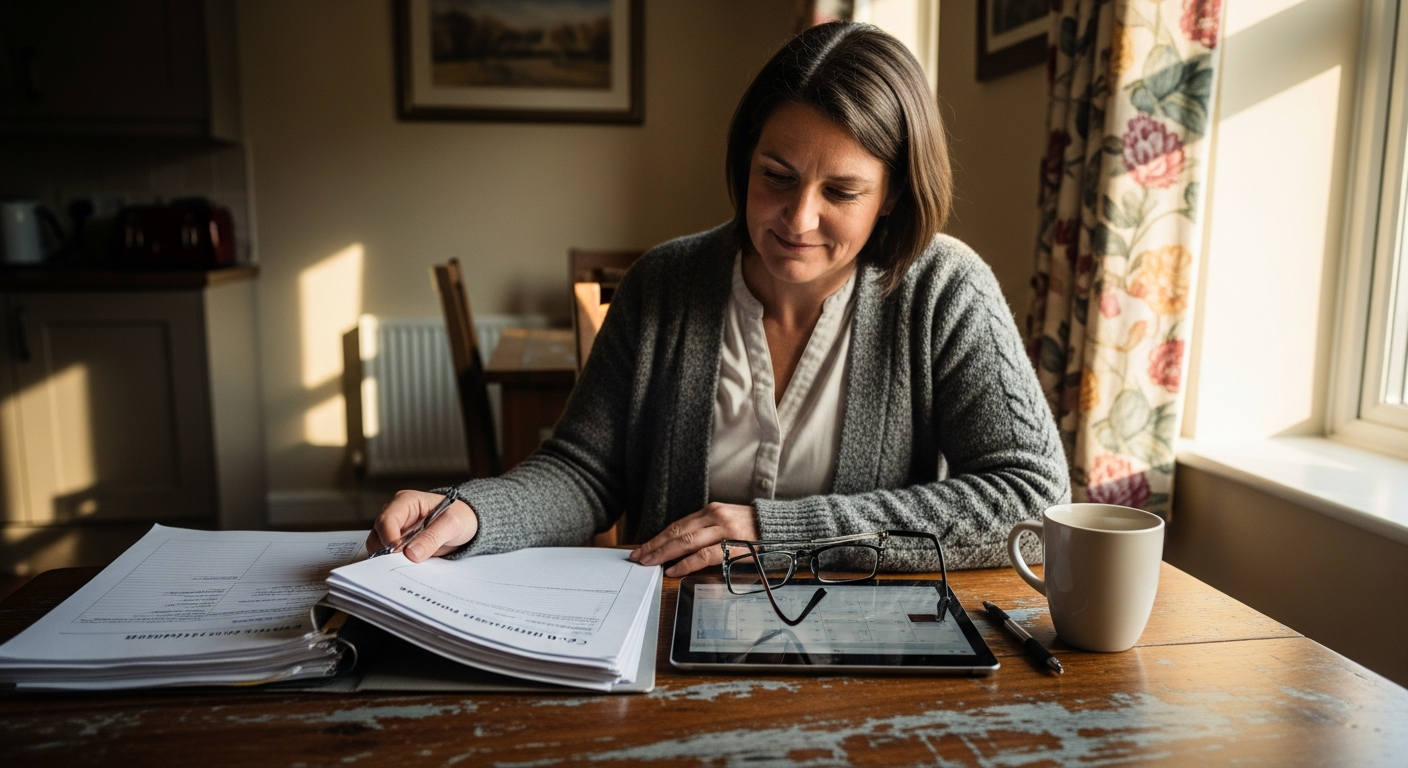

Always ready for the state.
When the state inspector arrives unannounced, there's no panic. Your records are pristine. In an emergency, the 911 / POLST View gives paramedics one-tap access to Physician Orders for Life-Sustaining Treatment.
Even policy changes are handled for you. The CDSS PIN Worker automatically monitors and AI-summarizes provider notices, so you never miss a new regulation.
- One-tap 911 / POLST View
- CDSS PIN Worker summaries
Walk into a licensing visit prepared.
CareMAR scans every resident's binder before the inspector arrives — flagging missing or expired LIC forms, surfacing exactly what's still needed, and tracking your readiness percentage at a glance.
- Per-resident readiness score with red / amber / green cues
- Checklist of required California LIC forms (601, 602A, 603, 621, 622, 627C)
- One-click jump from a missing form to the upload tab
- Combined licensing-visit packet — print every form for one resident in one PDF
Licensing Visit Readiness
Margaret W. · Room 3
Missing — upload to Files
Signed Mar 12, 2026
Signed Feb 28, 2026
Signed Mar 12, 2026
April 2026 — 38 entries
Optional — not added
Scans every resident's binder before the inspector arrives — flagging missing or expired forms so you can fix them in minutes, not hours.
See your whole facility at a glance.
The Bed Map shows every room as a live tile — emerald when all doses are given, amber when a med is still pending, and a red dot the moment a dose is refused or missed. Updates in real time as caregivers tap through Med Pass.
- Live med-pass progress — tiles flip green within seconds of the last dose
- Color-coded room tiles with dose count, next-due time, and refusal flags
- Tap a room to jump straight into Med Pass for that resident
- Multi-facility ready — switch between homes on Duo and Trio plans
Bed Map · Maple Grove
Live med-pass progress · updated just now
Paper to MAR in seconds.
Snap a pharmacy label, drop in a faxed physician order, or forward a PDF to your facility's import address — CareMAR's AI reads the document, pulls out resident name, physician, medication, dose, and frequency, and lands a clean draft in your Review & File tray for one-click approval.
- Pharmacy labels, physician orders, and faxed MARs — PDF, JPG, or PNG
- Auto-routes to the right resident's chart by name + DOB matching
- Lands in the Review & File tray — you approve before anything goes live
- Pairs with the Quick-Admit wizard to onboard a new resident in minutes
TWICE DAILY
Caregiver Portal
Maple Grove Assisted Living
Facility License #
197604046
Caregiver PIN
Sign In →
Contact your administrator for your PIN
Sign in with facility license # and PIN — no account needed
Your caregivers' side of CareMAR — without the app store.
Every facility gets a separate, simplified portal built for the people running the actual med pass. Your caregivers sign in with a shared PIN, see only what they need, and document every dose in real time — all from any phone or tablet they already own.
- Bed-map quick view of every resident's status
- Tap-to-give meds with PRN always visible
- Push alerts the moment a shift starts
- Read-only access — no billing or admin settings exposed
Why administrators love it
Built for the realities of a 6-bed home — not a hospital IT department.
No app to download
Caregivers open the portal in any phone or tablet browser — Chrome, Safari, Firefox. Nothing to install, nothing to update.
PIN sign-in, no accounts
Each caregiver gets a 4–6 digit PIN you set. No emails, no passwords to reset, no per-user license fees.
Glove-friendly tap targets
Big 56px buttons designed for the morning med pass — no squinting, no missed taps, even with gloves on.
Real-time sync across devices
Mark a dose given on a phone and the tablet at the med cart updates instantly. Every entry lands in the same audit trail.
English, Spanish, Tagalog & Romanian
The interface speaks your caregivers' language. Switch with one tap — no retraining, no translation guesswork.
Shift handoff & announcements
Leave handoff notes for the next shift, post facility-wide announcements, and push alerts the moment a caregiver clocks in.
What's inside
Everything your facility needs. Nothing it doesn't.
Pricing
Simple, flat-rate pricing.
No per-resident fees. No setup fees. No contracts. 14-day free trial on every plan.
All plans are priced for facilities with up to 6 beds. Running a larger home? Email support@caremar.org for custom pricing.
FAQ
Frequently asked questions.
How much does CareMAR cost?
Plans start at $79/month for one facility, $89 for two, and $99 for three. No per-resident fees, no setup fees, and no contracts. An optional SecureSign add-on is available for $19.95/month.
Is there a free trial?
Yes — every plan includes a full 14-day trial with access to every feature. We do ask for a credit or debit card at sign-up, but you are not charged until the trial ends, and you can cancel any time before then with one click. You can also try the live demo right now without entering payment info: a quick sign-up form gets you an instant email link into a fully-loaded sample facility.
Can I use CareMAR on an iPad?
Absolutely. Med Pass mode is purpose-built for iPads and Android tablets — 56px touch targets, per-resident progress tracking, and a full-screen distraction-free layout for medication rounds.
Is CareMAR built specifically for California RCFEs?
Yes. CareMAR was designed for California Residential Care Facilities for the Elderly and 6-bed board-and-care homes — not adapted from a generic EHR. Every form and workflow matches CDSS Community Care Licensing requirements under Title 22.
Can I export my data?
Anytime. Download a complete ZIP archive of every resident's records, MARs, physician orders, vital signs, files, and forms. Daily snapshots are kept for 30 days so nothing is ever lost unexpectedly.
Can I switch from paper without starting over?
Yes — three import paths. Snap a photo of any paper MAR or pharmacy label and AI extracts the medications, upload an Excel/CSV, or forward documents to your facility's import email. Everything lands in a review queue you approve before it goes live.